24/7 multi-platform streaming to YouTube, Twitch, Facebook, and Kick. Simultaneously.
One upload. Four platforms. Zero effort.
Upload once
Watch how easy it is to go live on all platforms simultaneously
Everything you need to run a 24/7 streaming empire
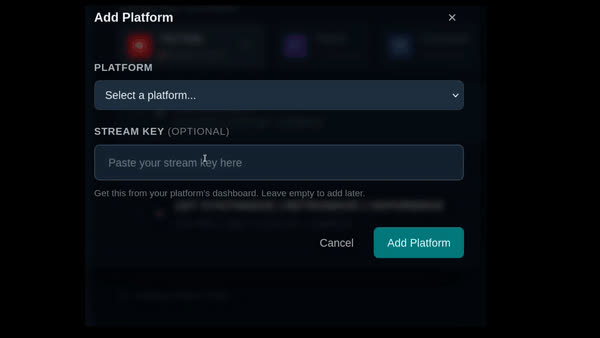
Stream to YouTube, Twitch, Facebook, and Kick from one dashboard. Toggle platforms on or off mid-stream without interruption.
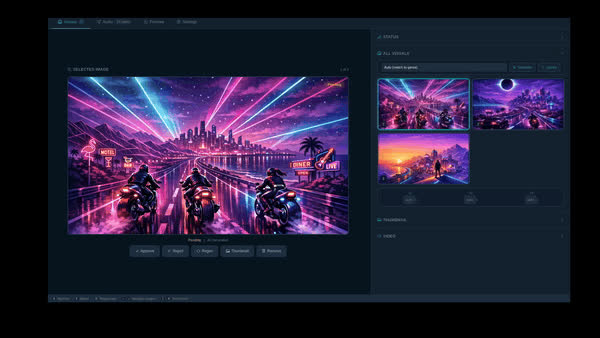
Generate professional stream visuals. Custom images, titles, and thumbnails — created automatically from your preference.
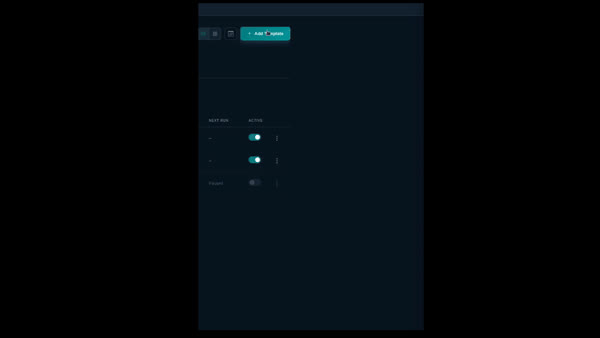
Set a schedule and let Stream View handle everything. Automatic renders, uploads, and publishing on your terms.
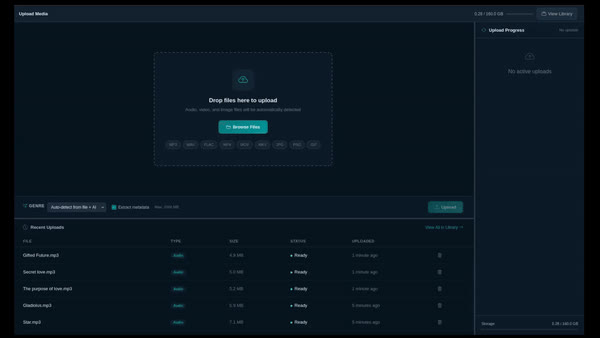
Upload audio and video, build playlists with drag-and-drop ordering, and manage your entire content library in one place.
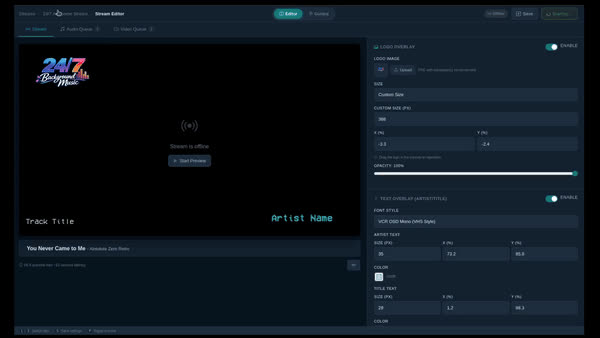
Auto-reconnect, platform monitoring, and failover. Your stream stays live 24/7 without manual intervention.
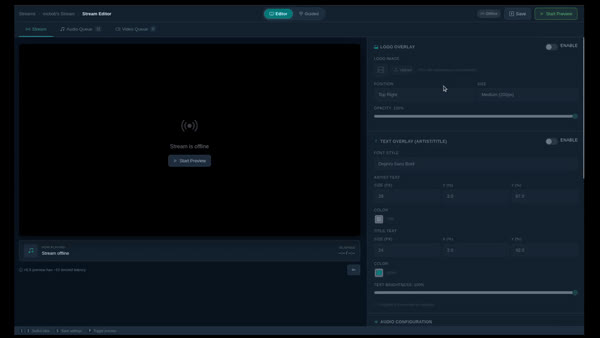
Add logos, text overlays, and now-playing displays with drag-and-drop positioning. Brand your stream your way.
Creators streaming 24/7 with Stream View
Everything you need to stream around the clock, without the hassle
I use StreamView because running SynthwaveNights was eating all my time.
My computer had to stay on 24/7. Stream crashes meant rushing to restart manually. Playlist changes required downtime. Every upload needed hours of rendering and editing.
Now the stream runs 24/7, and I update playlists live. The render pipeline turns my stream music into YouTube-ready videos with uploaded videos and images, or with AI visuals — I just review and approve. Same results, fraction of the time.
| Feature | StreamView | Restream | Live247 | OBS |
|---|---|---|---|---|
| 24/7 unattended streaming | ✓ | ✗ | ✓ | ✗ |
| No software to install | ✓ | ✓ | ✓ | ✗ |
| No PC left running | ✓ | ✗ | ✓ | ✗ |
| Stream to multiple platforms at once | ✓ | ✓ | ✗ | ✗ |
| Automated playlist looping | ✓ | ✗ | Basic | ✗ |
| Shuffle audio playlist | ✓ | ✗ | ✗ | ✗ |
| Audio crossfade (configurable) | ✓ | ✗ | ✗ | ✗ |
| Logo overlays & now-playing text | ✓ | Studio only | ✗ | ✓ |
| Video crossfade (configurable duration) | ✓ | ✗ | ✗ | Scene transitions |
| Video fade to black | ✓ | ✗ | ✗ | Scene transitions |
| Stream preview before going live | ✓ | Via encoder | ✗ | ✓ Studio Mode |
| Auto-reconnect & crash recovery | ✓ | Destinations only | Unknown | Basic reconnect |
| OAuth one-click platform connect | ✓ | ✓ | ✗ | ✗ |
| Automatic track title cleanup | ✓ | ✗ | ✗ | ✗ |
| Video render pipeline | ✓ | ✗ | ✗ | ✗ |
| Stream scheduling & automation | ✓ | Basic | Basic | ✗ |
| Flat monthly pricing (no meter) | ✓ | ✓ | ✗ per hour | ✓ |
| Free trial (no credit card) | ✓ 3-day, no card | Watermarked, 30-min cap | 1-hr credit, no card | ✓ Free & open source |
| Entry-level pricing |
$27.99 $22.39/mo
6 months with promo code
|
$19/mo | 2.73¢/hr (1080p) ~$19.94/mo if 24/7 |
Free |
Then $27.99/mo after 6 months
Then $47.99/mo after 6 months
Stream to YouTube, Twitch, Facebook, and Kick from a single dashboard — all at the same time, with no extra cost per platform.
Turn your audio tracks and images into polished, ready-to-publish YouTube videos — automatically.
Set AutoPilot once and let StreamView handle your entire content production cycle — renders, uploads, and scheduling run on their own.
Your central hub for all uploaded content. Build playlists, manage tracks, and organise everything in one place.
StreamView monitors your stream health and automatically recovers from crashes — your audience never knows anything went wrong.
Add logos, text overlays, and now-playing displays to personalise your stream. Drag and drop to position them anywhere.